
《视频增强画质修复》(Video Enhancer)1.9.8 (dual core, multiple CPUs, Hyper-Threading)[压缩包]

电驴资源
| 用户共享的电驴资源列表 | |
|---|---|
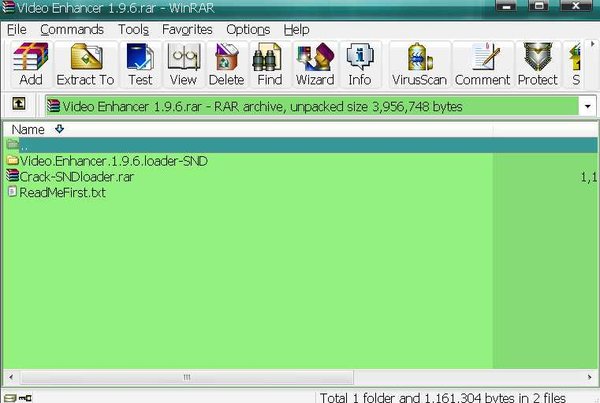
| [视频增强画质修复].Video.Enhancer.1.9.6.rar | 3.74 MB |
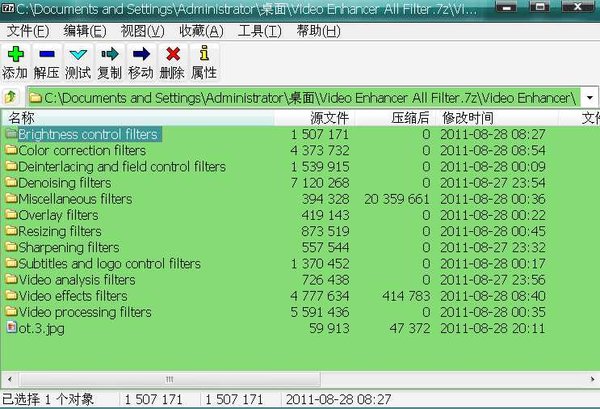
| [视频增强画质修复].Video.Enhancer.All.Filter.7z | 19.86 MB |
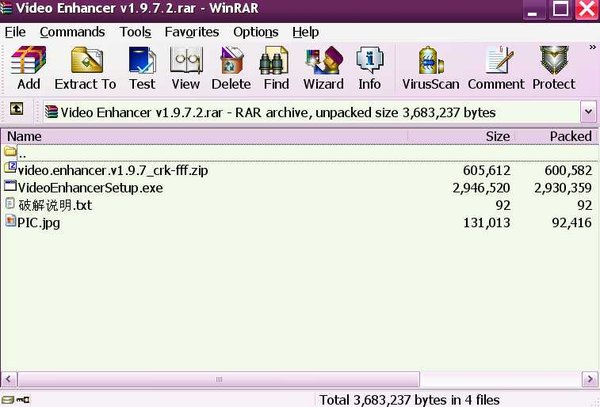
| [视频增强画质修复].Video.Enhancer.v1.9.7.2.rar | 3.46 MB |
| [视频增强画质修复].Video.Enhancer.v1.9.7.2.Portable.ALL.Plugins.rar | 34.55 MB |
| 61.61 MB | |
电驴资源简介
简介:
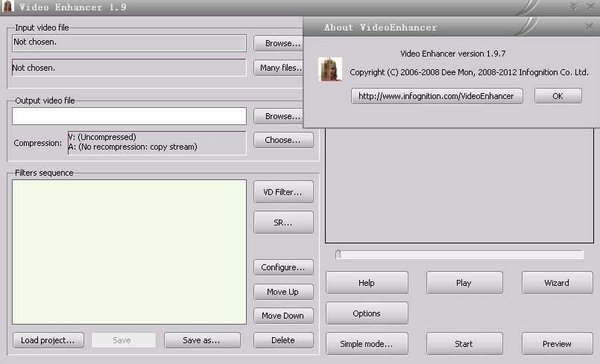
Video Enhancer implements super-resolution approach allowing you to increase resolution of your video with maximum quality (you can convert your SD video to good looking HD!), use over 200 VirtualDub filters (remove noise, deinterlace, stabilize shaky video, fix brightness, perform color correction and many more) and re-compress processed video with any codec.
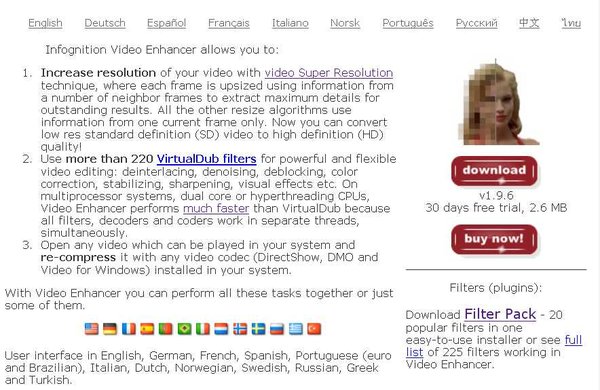
Infognition Video Enhancer allows you to:
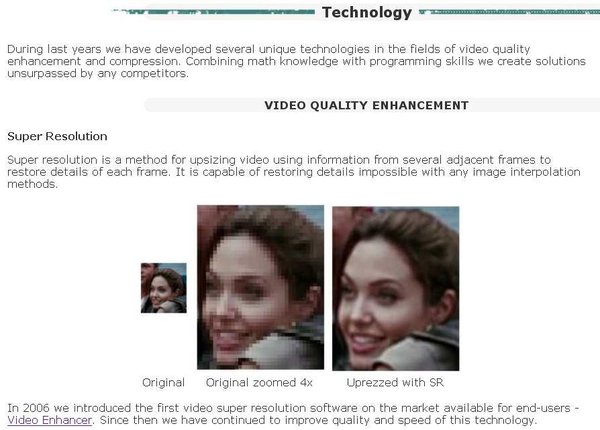
Increase resolution of your video with video Super Resolution technique, where each frame is upsized using information from a number of neighbor frames to extract maximum details for outstanding results. All the other resize algorithms use information from one current frame only. Now you can convert low res standard definition (SD) video to high definition (HD) quality!
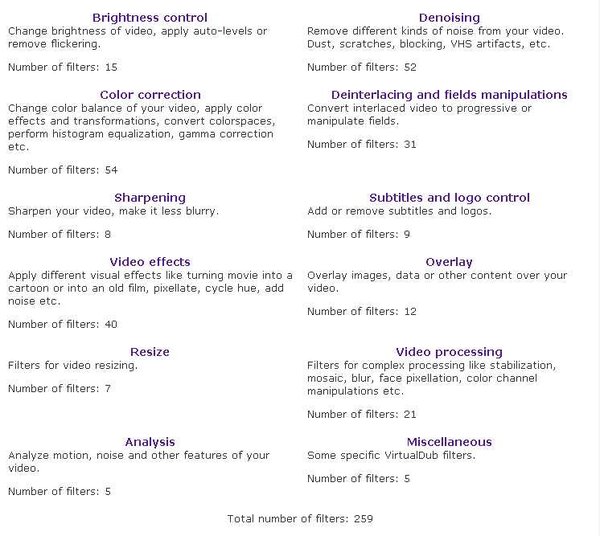
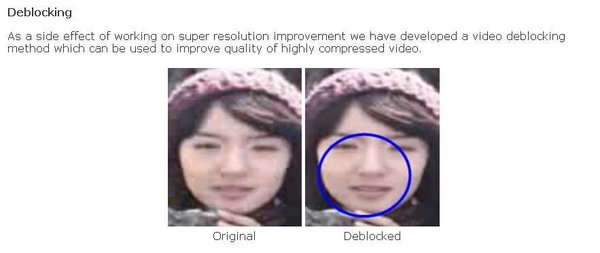
Use more than 220 VirtualDub filters for powerful and flexible video editing: deinterlacing, denoising, deblocking, color correction, stabilizing, sharpening, visual effects etc. On multiprocessor systems, dual core or hyperthreading CPUs, Video Enhancer performs much faster than VirtualDub because all filters, decoders and coders work in separate threads, simultaneously.
Open any video which can be played in your system and re-compress it with any video codec (DirectShow, DMO and Video for Windows) installed in your system.
With Video Enhancer you can perform all these tasks together or just some of them.
User interface in English, German, French, Spanish, Portuguese (euro and Brazilian), Italian, Dutch, Norwegian, Russian, Greek and Turkish.
Input and output formats
Video Enhancer reads any video file that can be played by Windows Media Player. By default this is AVI, WMV, MPEG and ASF files. To open MOV files (QuickTime), install QuickTime Alternative version 1.7. If you want to open RM and RMVB files (Real Media), install Real Alternative.
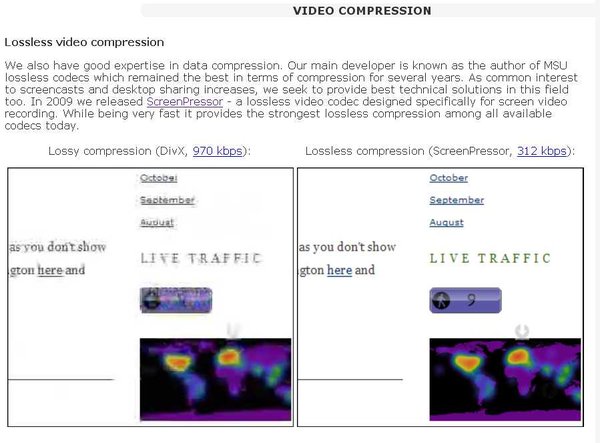
The output video is stored in AVI file. You can use any video codec to compress output video - any DirectShow, DMO and Video for Windows codecs. By default audio stream (if present) is stored to the output AVI without changes. But you can choose to recompress audio with any audio codec installed.
What's new:
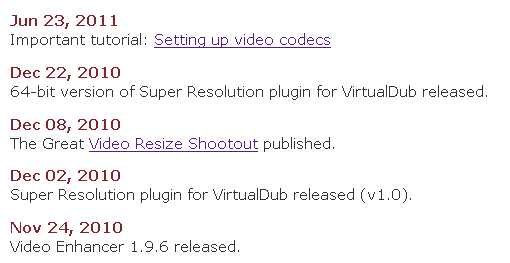
12 January 2012 Bugfix update to 1.9.7.2. More stable work with plugins.
06 January 2012 Bugfix update to 1.9.7.1. Wizard mode was broken in 1.9.7, now fixed.
03 January 2012 Version 1.9.7 released.
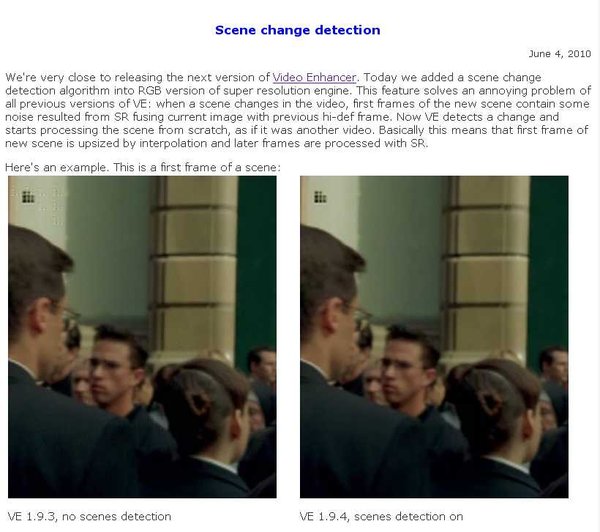
Filters selection and installation made easy. Better frame rate handling. Codec recommendation and bitrate calculation.
有能力者, 请支持正版!
Video Enhancer implements super-resolution approach allowing you to increase resolution of your video with maximum quality (you can convert your SD video to good looking HD!), use over 200 VirtualDub filters (remove noise, deinterlace, stabilize shaky video, fix brightness, perform color correction and many more) and re-compress processed video with any codec.
Infognition Video Enhancer allows you to:
Increase resolution of your video with video Super Resolution technique, where each frame is upsized using information from a number of neighbor frames to extract maximum details for outstanding results. All the other resize algorithms use information from one current frame only. Now you can convert low res standard definition (SD) video to high definition (HD) quality!
Use more than 220 VirtualDub filters for powerful and flexible video editing: deinterlacing, denoising, deblocking, color correction, stabilizing, sharpening, visual effects etc. On multiprocessor systems, dual core or hyperthreading CPUs, Video Enhancer performs much faster than VirtualDub because all filters, decoders and coders work in separate threads, simultaneously.
Open any video which can be played in your system and re-compress it with any video codec (DirectShow, DMO and Video for Windows) installed in your system.
With Video Enhancer you can perform all these tasks together or just some of them.
User interface in English, German, French, Spanish, Portuguese (euro and Brazilian), Italian, Dutch, Norwegian, Russian, Greek and Turkish.
Input and output formats
Video Enhancer reads any video file that can be played by Windows Media Player. By default this is AVI, WMV, MPEG and ASF files. To open MOV files (QuickTime), install QuickTime Alternative version 1.7. If you want to open RM and RMVB files (Real Media), install Real Alternative.
The output video is stored in AVI file. You can use any video codec to compress output video - any DirectShow, DMO and Video for Windows codecs. By default audio stream (if present) is stored to the output AVI without changes. But you can choose to recompress audio with any audio codec installed.
What's new:
12 January 2012 Bugfix update to 1.9.7.2. More stable work with plugins.
06 January 2012 Bugfix update to 1.9.7.1. Wizard mode was broken in 1.9.7, now fixed.
03 January 2012 Version 1.9.7 released.
Filters selection and installation made easy. Better frame rate handling. Codec recommendation and bitrate calculation.
有能力者, 请支持正版!